
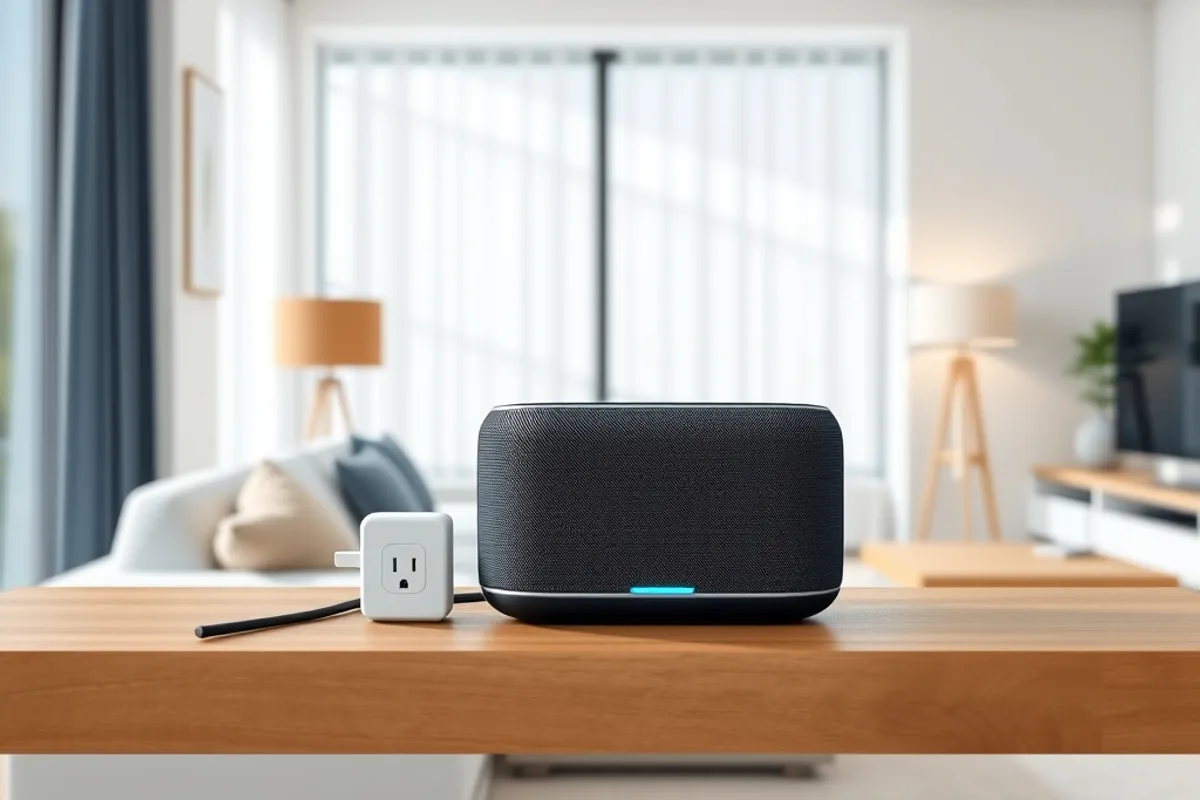
Smart Home Devices in 2026: What's Worth Buying First
The best smart home purchase is the one you would still use after the novelty wears off. Start with the jobs you repeat every day, not the demo that impressed you.
The smart home aisle is designed to sell novelty. A light that changes colour, a speaker that answers questions, a doorbell that records the street. None of that is wrong, but none of it is a reason to fill a house with gadgets. The useful question is simpler: which repeated job would you happily hand to a machine, and what does that machine cost to own?
This guide is the buying order we recommend in 2026 for a normal home, not a demonstration house. It starts with devices that save time or money every week, then adds convenience only where the plumbing is already in place.
Start with the boring jobs
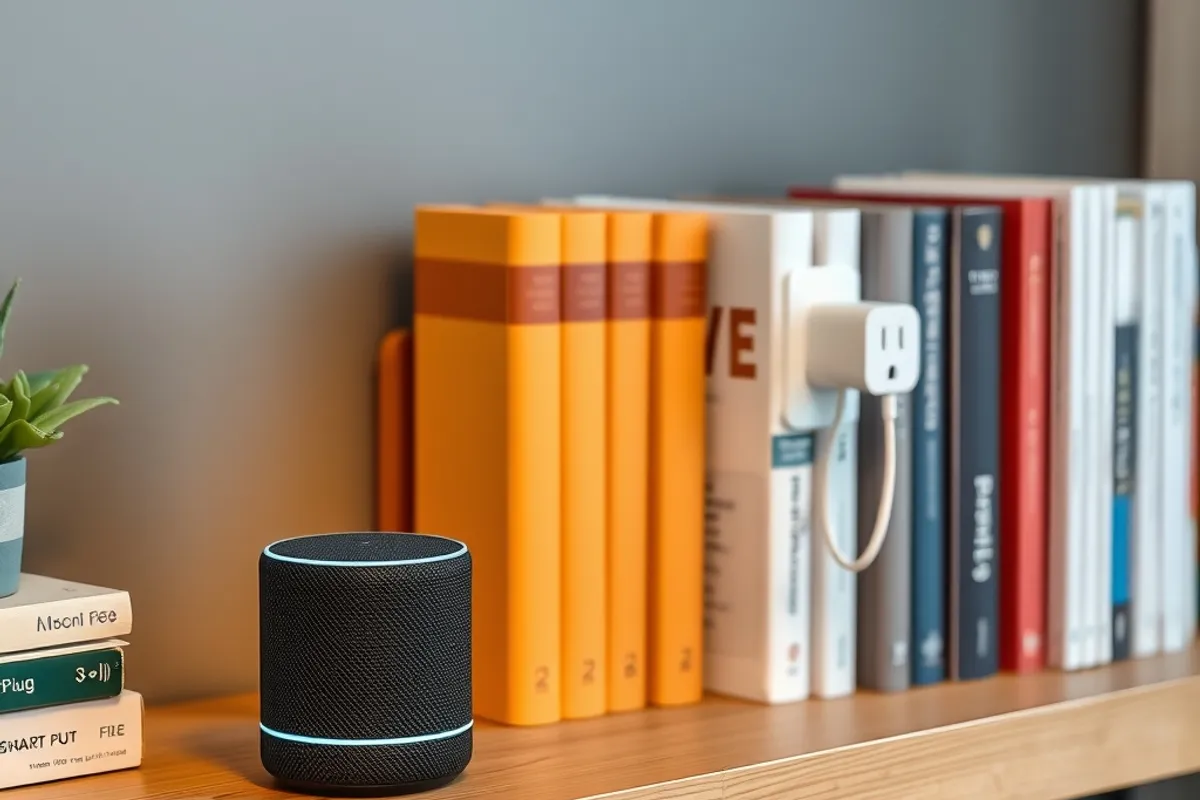
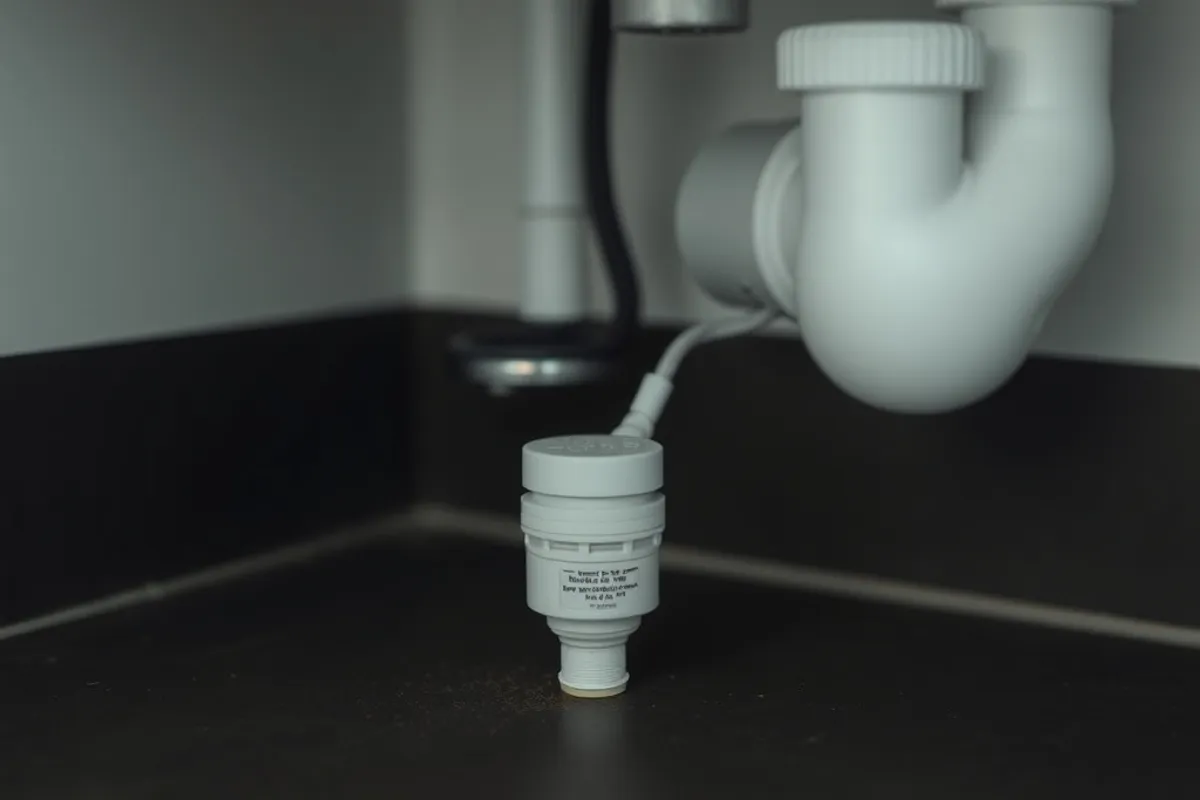
Heating, lighting schedules and leak detection are boring, and they are where smart devices earn their keep. A smart thermostat can pay for itself in a season if your schedule is predictable. Smart plugs can put a lamp or a dehumidifier on a timer without rewiring. A leak sensor under the sink can save a floor for the price of a dinner.
These devices have clear jobs, low maintenance and no subscription in most cases. They also fail safely: if the app stops working, the light still switches, the heating still runs and the sensor still beeps. That is the standard every smart purchase should meet.
The first three purchases
For most homes, the first three are a smart plug or two, a smart thermostat if the existing one is basic, and a leak sensor in the riskiest spot. Total cost is modest, the installation is reversible and the benefits show up within a week. Add a smart bulb only where you genuinely want dimming or colour, not because it is the cheapest way to try the ecosystem.
- Smart plug: $10 to $30 each, no hub needed for most models.
- Smart thermostat: $120 to $280, installation extra if wiring is unusual.
- Leak sensor: $15 to $50, battery powered and app-alerted.
- Smart bulb: $10 to $60, useful for lamps without a switch.
- Starter hub: $60 to $150, only if your chosen devices require one.
Buy one device from an ecosystem before buying five. The app, the setup and the reliability matter more than the spec sheet, and they are hard to judge from a product page.
What each device really costs to run
The purchase price is only part of ownership. A camera with cloud storage can cost more per year than the camera itself. A smart display may require a subscription for the features that made it interesting. A robot vacuum needs bags, filters and brushes, and its battery will age whether you use it or not.
Add up the subscription and consumables for three years before you buy. A $40 camera with a $5 monthly plan is $220 over three years. A $300 vacuum with $60 of yearly consumables is $480. Those numbers are still fine if the device saves you real time, but they should be a decision, not a surprise.
Hubs, apps and the subscription trap
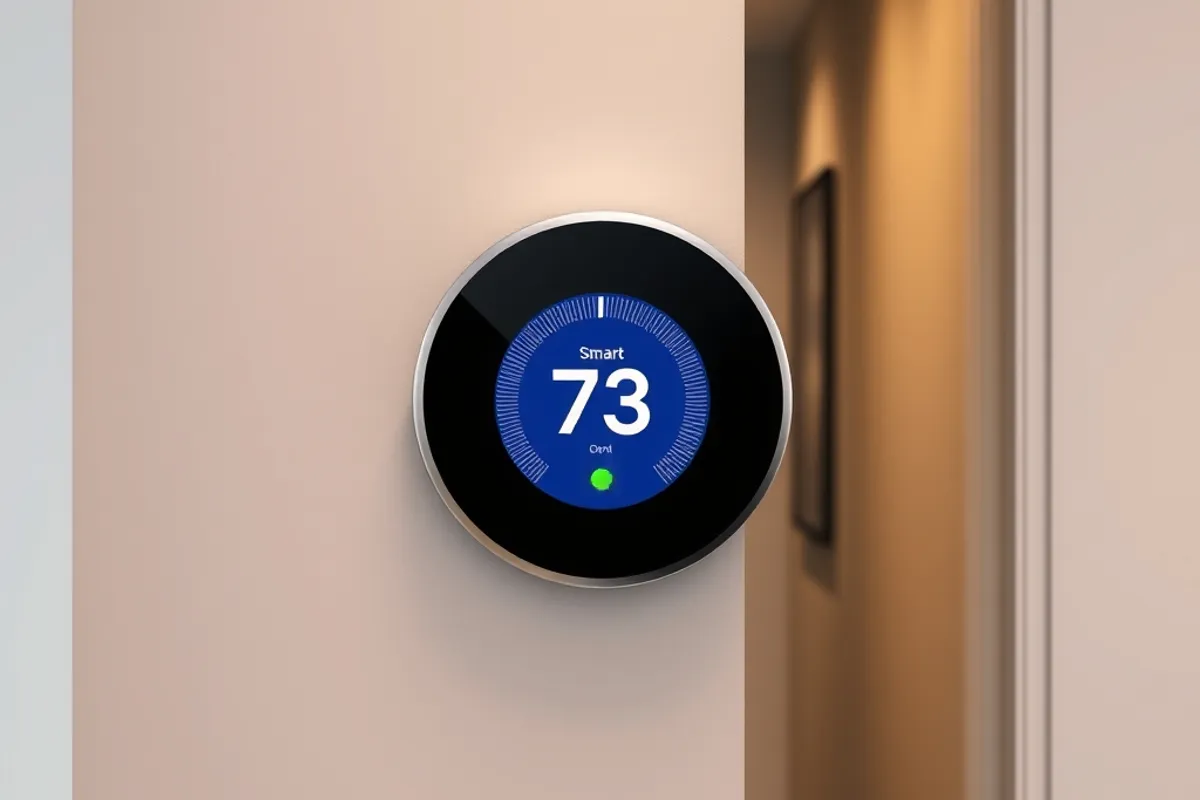
A hub can make devices from different brands work together and keep automations running when the internet is down. It also adds a box, an app and another account. Buy a hub when you have a specific automation that needs it, not because a reviewer called it the future.
Prefer devices that work locally where possible. Local control means the light still responds when the cloud service has an outage or the manufacturer changes its terms. Check whether the app supports the phone you use, and whether the account can be exported or deleted. A gadget that locks your data inside a dying app is a rental, not a purchase.
The best smart device is the one you stop thinking about after the first week.
Felix Navarro
Privacy and network basics
Every connected device is a small computer with an internet connection. Put smart devices on a separate Wi-Fi network from your laptop and phone, change the default password and enable automatic updates. Cover or disable cameras when they are not needed, and check what the app records by default.
Read the privacy settings before you invite a device into a bedroom or a child's room. Audio and video recordings are sensitive, and cloud storage policies vary widely. If a device needs an account, use a unique password and two-factor authentication. Our guide to smart device security settings walks through the changes in order.
Key facts
- Start with plugs, a thermostat and a leak sensor.
- Check three-year running costs, including subscriptions.
- Prefer local control and automatic firmware updates.
- Keep smart devices on a separate network.
- Skip any gadget whose main feature is a demo.
What to skip in 2026
Skip smart locks as a first purchase unless you have a specific access problem. They are improving, but battery life, emergency access and compatibility still demand attention. Skip smart fridges and ovens whose screens will age faster than the appliance. Skip anything that requires a subscription to perform its basic advertised function.
Also skip the temptation to automate everything at once. A house with forty automations is hard to debug and harder to explain to a guest. Add one routine, live with it for two weeks, then add another. Reliability compounds; complexity compounds faster.
A sensible upgrade path
After the first three devices, the next useful step is usually lighting in the rooms you use most, followed by a video doorbell if parcel theft is a real issue. Add cameras only where you will maintain them and where neighbours are not filmed unfairly. Each addition should replace a friction you can name.
If you run a small business from home, the network advice in web security basics for small business websites applies to your devices too. And if you are building a product for connected homes, the launch discipline in our startup checklist will keep the first release honest.
Final word
A smart home should be quieter, cheaper and safer to run than the one it replaced. If a purchase adds an app, a subscription and a weekly troubleshooting session, it is not an upgrade. Buy for the repeated job, check the running cost and keep the network boring.
For independent background on connected-home standards, the Consumer Technology Association publishes useful material on device interoperability and privacy.