
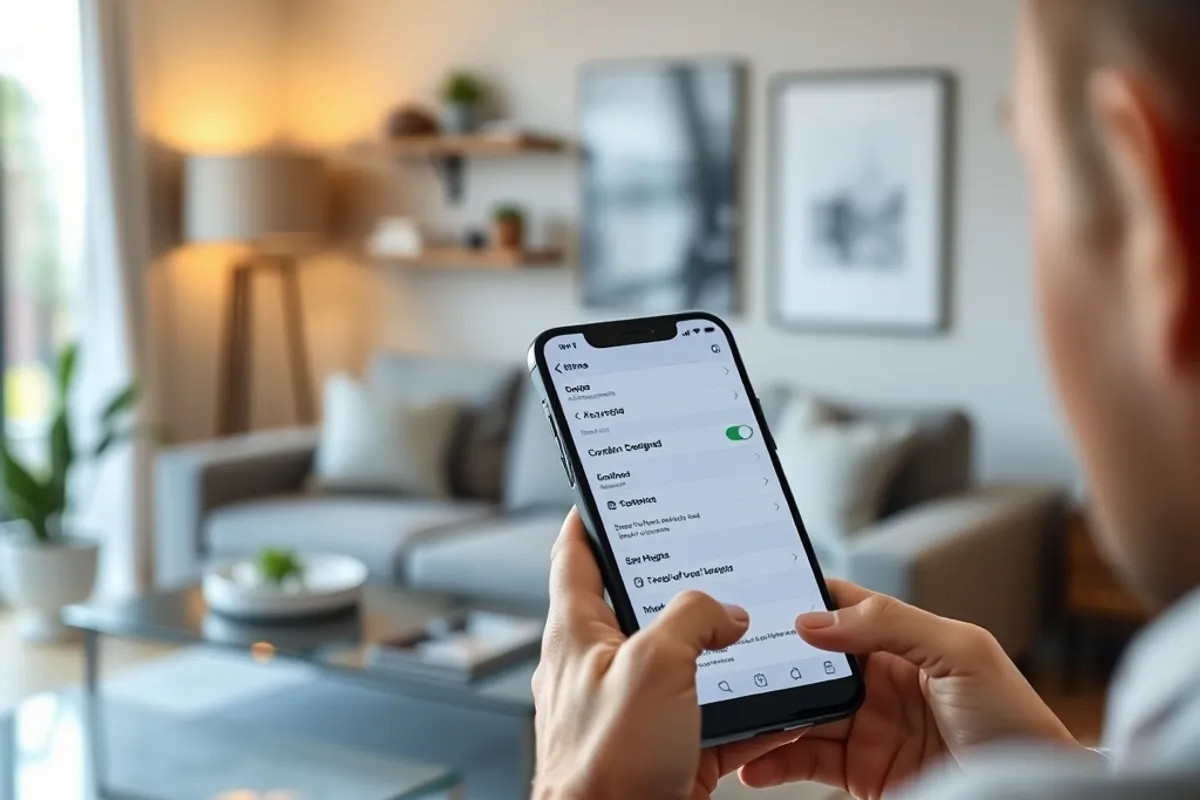
Smart Device Security: 9 Settings to Change Today
A connected home is a small network with a long list of forgotten logins. Nine changes, most of them free, remove the easiest ways in.
Smart devices are sold on convenience and secured like an afterthought. A camera with a default password, a plug that never receives firmware updates and a speaker listening for a wake word all sit on the same network as your laptop. None of them is automatically dangerous, but together they widen the door unless someone closes the obvious gaps.
The nine changes below take about an hour in total and cost nothing. They are ordered by impact, so if you only do the first three, you have already removed the most common ways in.
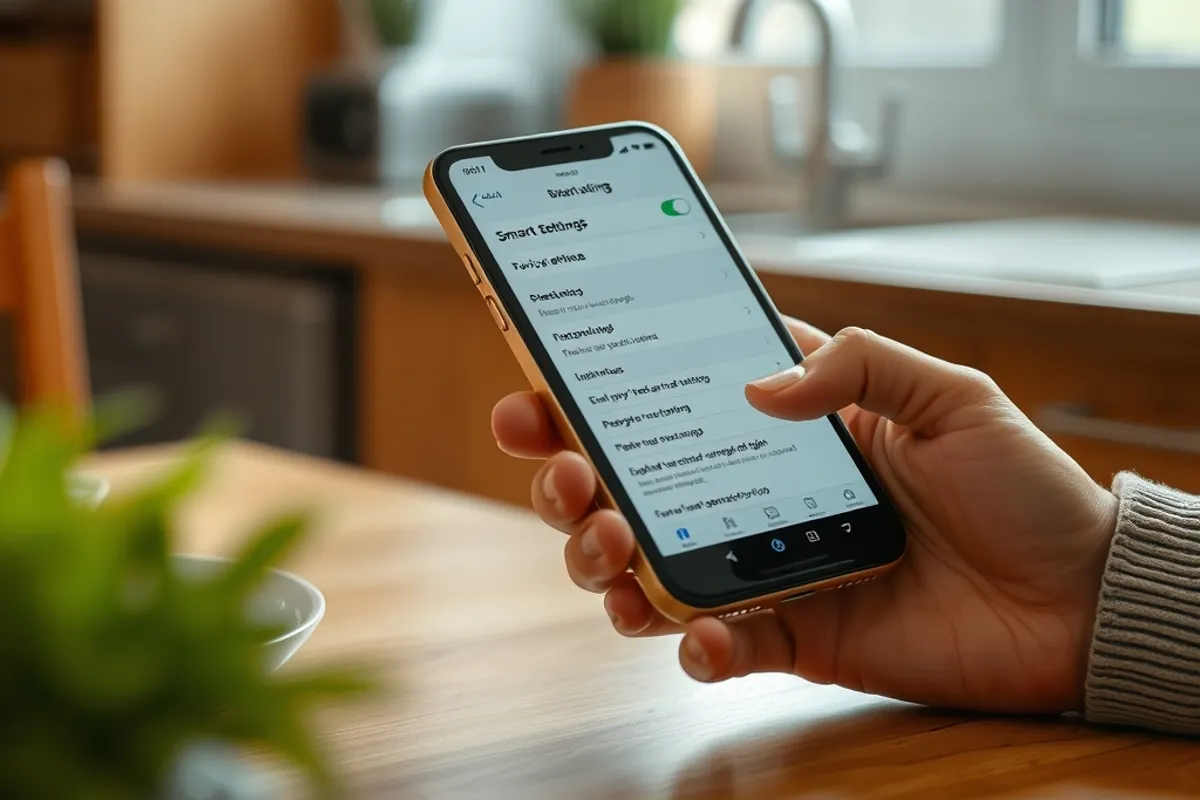
Separate the network
Put smart devices on their own Wi-Fi network or guest network with no access to your computers, file shares or printer. Most modern routers support this in a few clicks. The goal is simple: if a camera is compromised, the attacker should not be able to reach the laptop where you do your banking.
If your router supports VLANs and you are comfortable with the settings, use them. If not, a guest network with client isolation is a meaningful improvement over putting everything on one network. Label the network clearly so guests do not join the device one by mistake.
Change the defaults
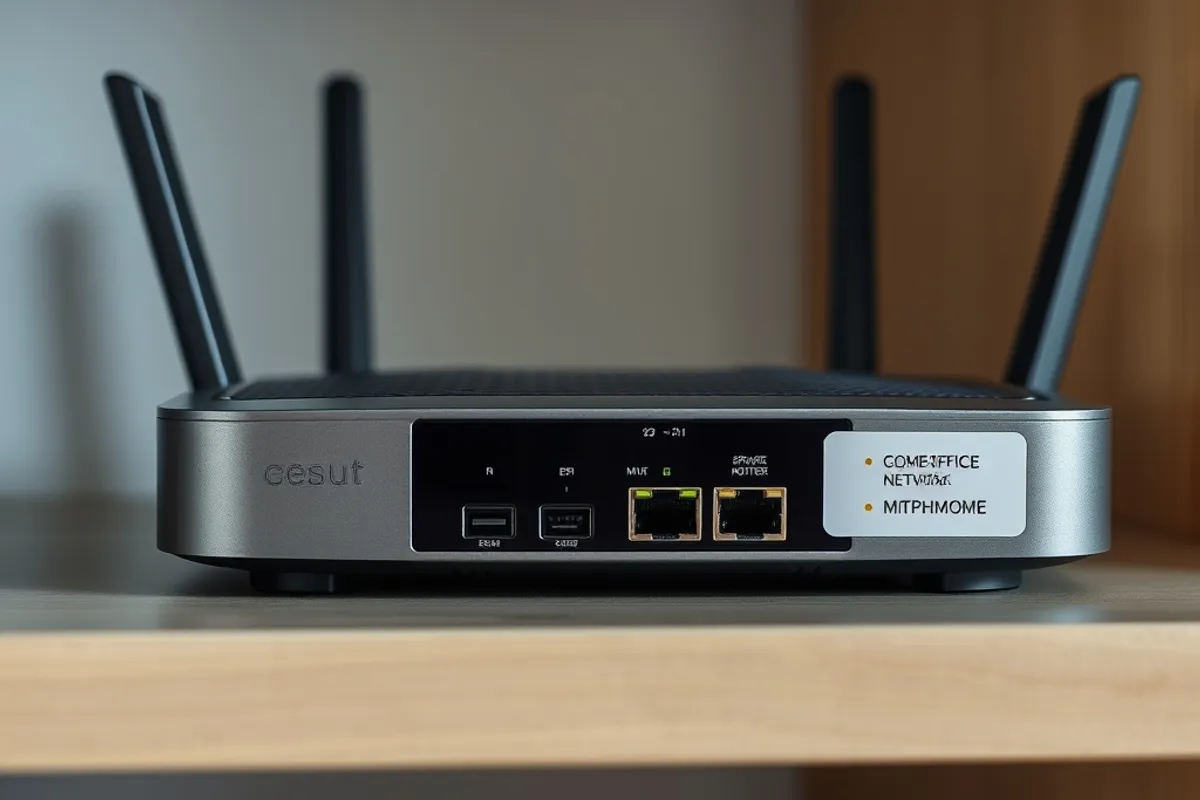
Default passwords are published in manuals and scanned by automated tools. Change the admin password on every device and on the router itself. Disable remote administration unless you specifically need it, and turn off features such as universal plug and play when they are not required.
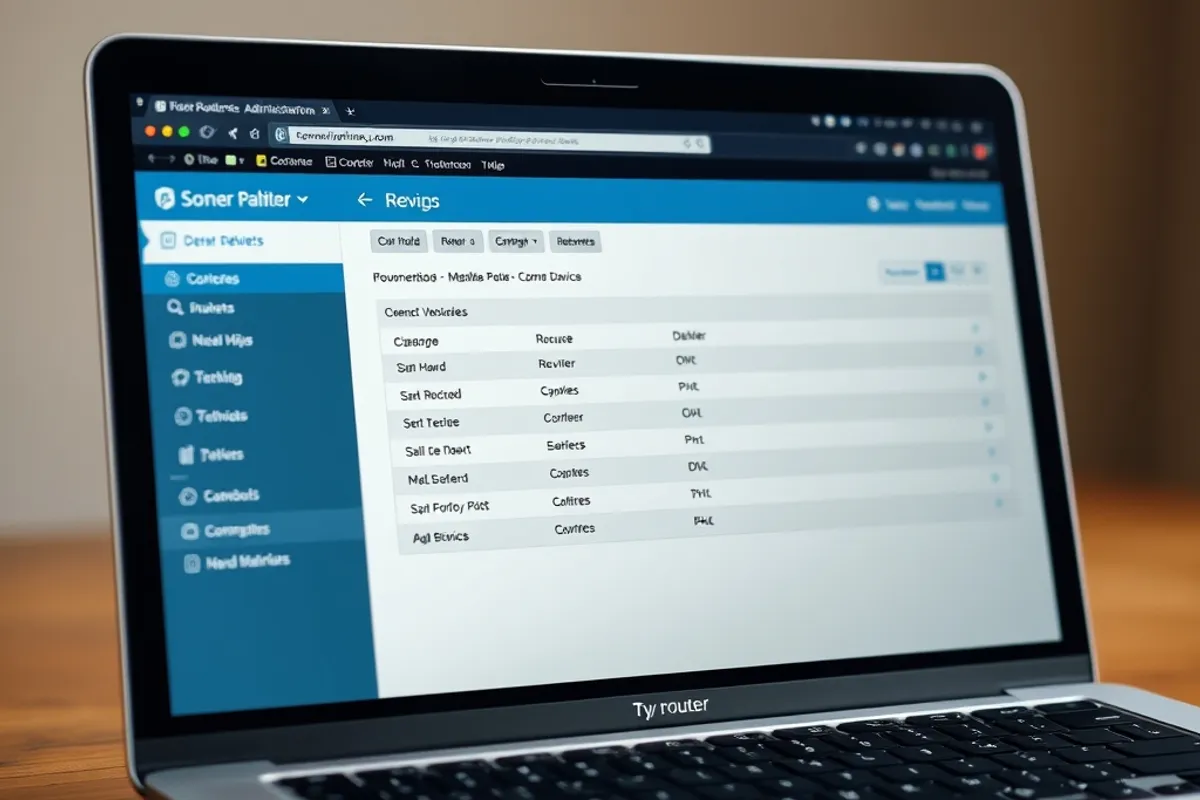
Give the device a name you recognise, such as "kitchen camera", so you can identify it in the router's client list. An unnamed device is easy to forget, and forgotten devices are the ones that stay unpatched for years.
Accounts and passwords
Use a unique password for every smart device account and a password manager to keep track. Enable two-factor authentication wherever the app supports it, especially for cameras, locks and anything that controls heat or water. Do not reuse the password from your email; email is the recovery route for everything else.
Remove old household members and guests from shared device apps when they move out or no longer need access. Review the list twice a year. Access that was convenient once can linger for years, and it is invisible unless someone checks.
Firmware and updates
Turn on automatic firmware updates for every device that offers them. For devices that do not, check monthly and install updates manually. Replace hardware that no longer receives security patches, even if it still works. A cheap plug with no update path is a permanent vulnerability with a friendly app.
Keep the router firmware current too. The router is the front door for every device, and an outdated router can undo the care you took with the gadgets behind it. If the manufacturer has stopped supporting the router, that is a reason to replace it, not a reason to hope.
Security is not a product you buy once. It is a short maintenance routine you repeat.
Felix Navarro
Cameras and microphones
Point cameras at the areas you need and away from neighbours' windows and public spaces where possible. Turn off recording when you are home if the camera is only for security. Check whether the app stores footage in the cloud by default and how long it keeps it. Delete old clips you do not need.
For speakers and displays, review the voice history settings and mute the microphone when it is not in use. Physical covers and switches are more trustworthy than a software toggle. If a device has a privacy shutter, use it.
Key facts
- Put devices on a separate network with client isolation.
- Change every default password and disable remote admin.
- Use unique passwords and two-factor authentication.
- Enable automatic firmware updates or check monthly.
- Review device access and camera footage quarterly.
What to do after a breach
If a device behaves strangely, disconnect it from the network first and change the passwords for the account and the router. Check the router's client list for unknown devices. Review recent logins and revoke sessions you do not recognise. If payment details were stored in the app, contact the provider and your bank.
Reset the device to factory settings before reconnecting it, then install the latest firmware. If the manufacturer has no update or no clear response, retire the device. The cost of replacement is almost always lower than the cost of leaving a known hole open.
Make it a routine
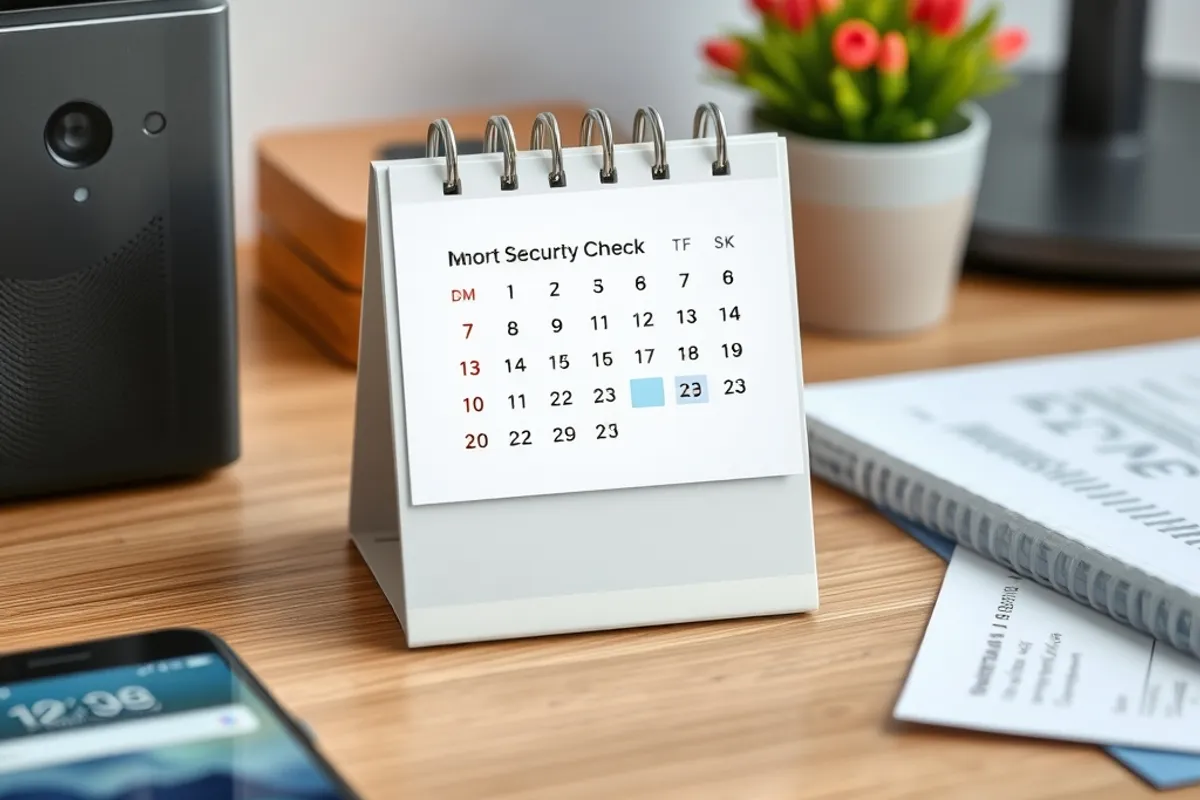
Set a calendar reminder twice a year: update firmware, review accounts, check the client list, delete old footage. The routine takes less time than a single support call. If you run a business from the same network, read web security basics for small business websites and keep the two plans consistent.
For current guidance on home device security, the CISA Secure Our World resources are short, free and updated. Use them as a second opinion, not as a replacement for checking your own settings.
Final word
You do not need an enterprise security stack to protect a home full of gadgets. You need separation, unique credentials, updates and a habit of reviewing access. Do those four things and most attacks will look for an easier house.