

Web Security Basics for Small Business Websites
A small website is not too small to attack. It is small enough that nobody notices until a customer cannot pay, and the basics are cheaper than the cleanup.
Small business websites are attacked for the same reason small shops are burgled: the lock is often weaker and nobody expects it to happen. The attacker is rarely a person who chose you. It is automated software trying known passwords, old plugin exploits and exposed admin pages across millions of addresses. The defence is a short list of basics, completed and maintained.
This guide covers the controls that matter for a brochure site, a small shop and a booking system in 2026. It assumes no security team and a budget measured in hours, not headcount.

The threats that actually hit small sites
The common cases are unglamorous. Credential stuffing against the login page. An outdated plugin or theme with a known vulnerability. A misconfigured storage bucket or backup folder left publicly readable. A phishing email that steals an admin password. Ransomware that encrypts the host and every backup stored beside it.
Each has a cheap control. Multi-factor authentication blunts stolen passwords. A patch routine closes known plugin holes. A storage review removes public buckets. Backups stored off the host survive ransomware. None of these requires an enterprise contract, and together they remove most of the risk.
HTTPS, domain and DNS
Serve every page over HTTPS and redirect HTTP to it. Use a certificate that renews automatically, and monitor the renewal so a lapse does not take the site offline. HSTS is worth enabling once you are confident every subdomain supports HTTPS.
Protect the domain account above all else. Enable registrar lock, two-factor authentication and a strong unique password. Keep recovery codes offline. A stolen domain is worse than a defaced website because every email address and every customer link depends on it. Review DNS records quarterly and remove anything you cannot explain.
Patching and software inventory
You cannot patch what you have forgotten. Keep a list of the CMS, plugins, themes, libraries and third-party scripts on the site, with the person responsible for each. Remove anything unused. Every extra plugin is another update to track and another way in.
Enable automatic updates where the platform supports them, then check monthly for the rest. Test major updates on a staging copy before they reach production. A patch that breaks checkout is still better than a known vulnerability, but a staged rollout avoids choosing between the two.
Access control and admin hygiene
Give each person their own account and the least access they need. Remove departed staff the same day. Use a password manager and require two-factor authentication for administrators, hosting, DNS and email. Change the default admin username if the platform allows it, and limit login attempts.
Restrict the admin area by IP address where practical, or put it behind an extra login layer. Disable file editing in the dashboard if you do not use it. These steps make a stolen password less useful and a brute-force attempt less likely to succeed.
Security is mostly maintenance: remove old accounts, patch old software and test the backup before you need it.
Helen Park
Backups, monitoring and response
Keep automated backups off the web host, with at least one copy that cannot be overwritten from the production server. Test a restore every quarter. Monitor uptime, certificate expiry and file changes; a sudden new admin user or an unexpected outgoing email spike is worth investigating.
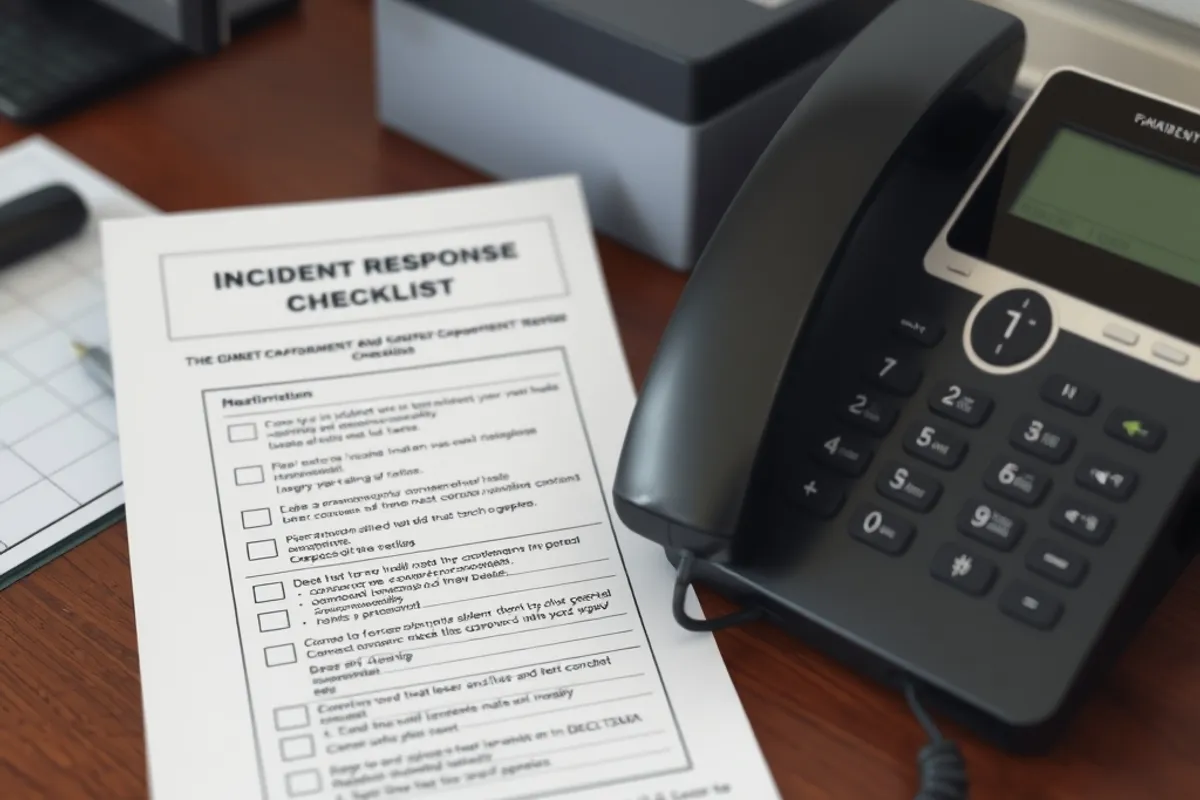
Write a one-page incident plan: who calls the host, how to take the site offline, how to restore, and who tells customers. Print it and keep it offline. During an incident, nobody wants to search a wiki that may be encrypted. Our guide to a website backup and recovery plan covers the restore side in detail.
Key facts
- HTTPS everywhere, with automatic renewal monitored.
- Two-factor authentication on hosting, DNS, email and admin.
- Monthly patch review; remove unused plugins and scripts.
- Off-host backups, tested quarterly.
- A printed one-page incident plan.
What to fix first when the budget is small
If you can only do three things this week, do these: enable two-factor authentication on the accounts that control the site, update everything that has a pending security patch, and confirm that a recent backup exists somewhere the web server cannot delete. Those three cover the most common routes to a very bad day.
Next, separate the admin login from the public site where possible, add uptime monitoring and remove any plugin you cannot explain. A small site with a short, maintained stack is safer than a feature-rich site nobody understands.
Working with a host or developer
Ask your host what they patch, what they back up and how quickly they restore. Put the answers in writing. "Managed" means different things at different prices, and the gap usually appears during an incident. If a developer maintains the site, agree who is responsible for updates and how security issues are reported.
Do not share one admin account across a team. Do not store credentials in a shared document. Do not let a contractor leave with the only copy of the recovery codes. These are boring process rules, and they are the difference between a controlled response and a week of guessing.
For current, practical guidance, the CISA cyber guidance and the OWASP Top Ten are free and specific. You do not need to implement everything; you need to know what you have not covered.

Final word
Small-site security is not a product. It is a routine: patch, authenticate, back up, test and review access. Do it on a calendar and the site becomes a much less attractive target. If you are also running a connected office, the network steps in smart device security belong in the same routine.